Emailing 101: Attaching Files

The letters that form "email"

Introduction

I have met many people in my life who unfortunately do not understand how to do simple technological tasks. This can be because they are of an older generation and email was not a thing of their generation, or because they simply have not been properly educated on how to perform such a task with email. In my blog today I demonstrate the proper motions of attaching a file to an email using Gmail which is the platform of choice by the majority of email users.

Step 1

The first step to go about an attaching an email is to obviously start the email. The user will do this by clicking the “compose” button in the upper left-hand corner of the Gmail page. This will then take them to step 2 in the process.

Screenshot of how to begin composing an email

Step 2

The next step in the process will be to click the paperclip icon shown in the image below. This will provide the user access to the file browser to enable them to select the file(s) they desire to attach to the email.

Step 3

Step 3 then begins with the user being on the file browser window; from here, the user is able to select either 1 or multiple files a the same time to be attached to the email (note: 25mb in size is the maximum all or 1 file can amount to in order for the email to be allowed to be sent) if you look in the third column in image below, this will provide sizing information for each of the users files.

Screenshot of how to select the file attach it to the email

The Result

As you can see in the image below, I have now attached the image file that was highlighted in blue in the image above this text. The email is now ready to be sent off with the file attached and any text in the body and subject the user might include.
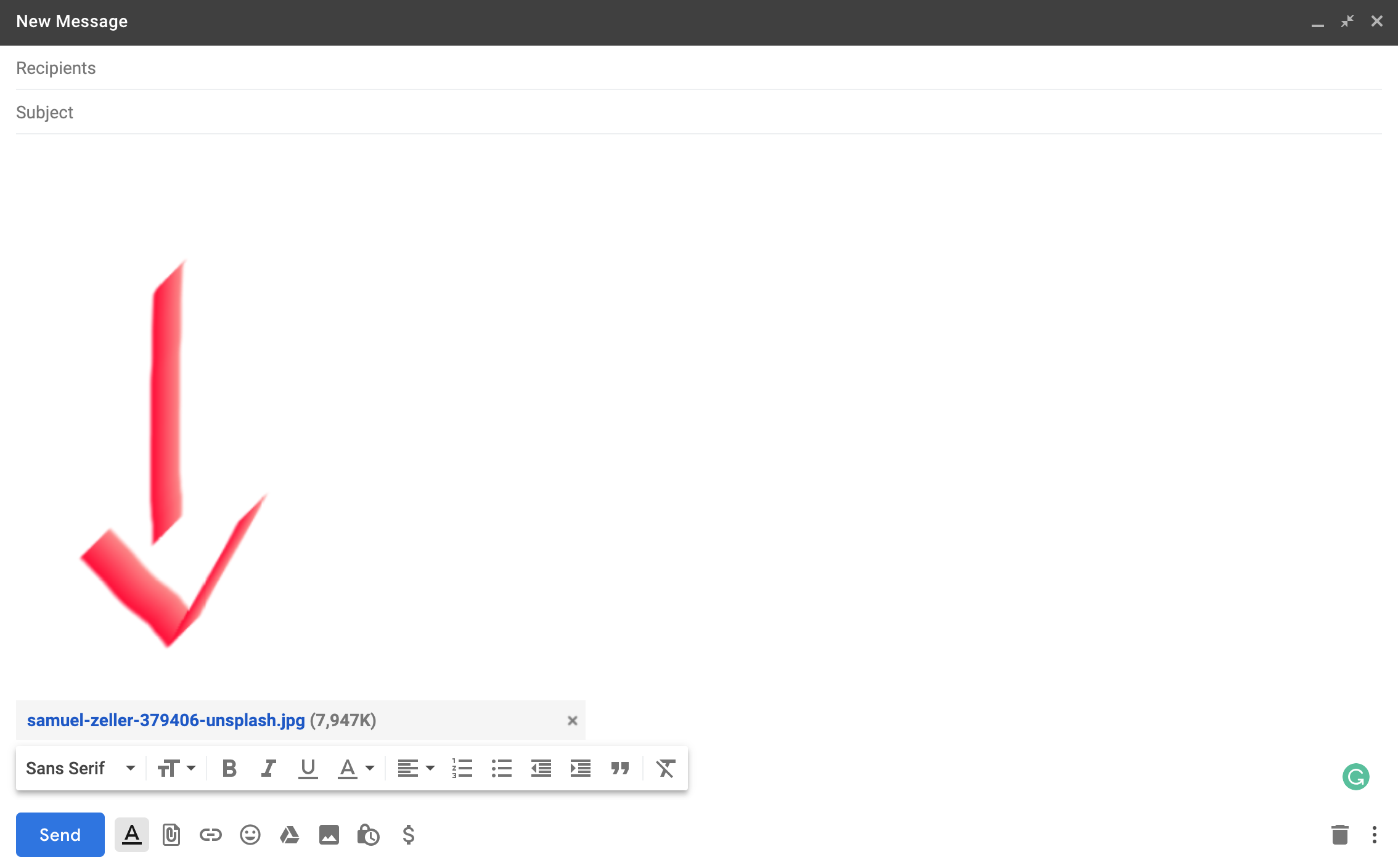
Screenshot of what the result looks like once you have attached the file to your email
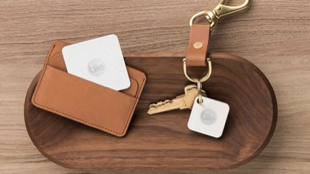
Keys and wallet on desk with tile trackers

There’s a Tile for that

THE PROBLEM

A problem that I have had recently is I just didn’t know how to physically and mentally keep track of my keys and my wallet. No matter what, I almost always seemed to be mindlessly setting them down somewhere when I got home from school or work and didn’t stop to consider that maybe that isn’t the best place for them, because of course, I’m not going to remember where they are when I need them again later. But alas, I didn’t give it another thought anyway.

Keys and wallet on desk with tile trackers
Keys and wallet with tile trackers

THE SOLUTION

With time I was able to get my hands on a new product we had begun to carry at work (AT&T) which is called “Tile” – a little fob (that runs on a battery and works with Bluetooth to connect to any smart device) that can be stowed away in the sleeve of a wallet or attached to a keyring, even stick one on that TV remote you can never seem to find; the possibilities are endless! There was finally my moment to end the countless hours of searching for my wallet and keys (and I had the opportunity to get a pack of 4 at a discount, a definite plus indeed) so I took that opportunity and ran with it and haven’t looked back since! It has been a wonder when I now lost track of my keys or wallet to simply be able to pull out my phone, launch the tile app, click the “find” button, and walah, the tile on my keys are in my wallet is now ringing, making it that much easier to find them. A Tile user also has the option to locate where the tile was last seen by the smart device through GPS, being able to guide you right back to your misplaced or forgotten possessions.

Apple TV remote with tile tracker attached to it

If you are a person like me, always misplacing or losing some type of valuable possession, go ahead and do yourself a favor, pick up a few tiles. You won’t regret it.

Pro tip: if a big holiday is on the approach, consider holding off until that time comes because Tiles always go on sale during those times.

Introducing What the Tech

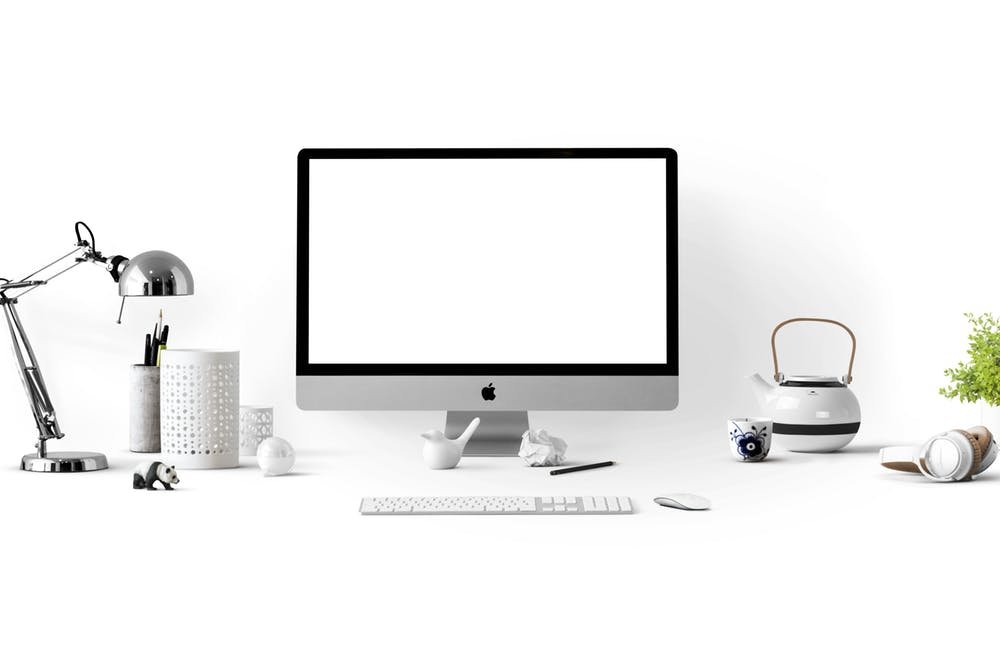
Minimalistic Desk Setup

About Me

My name is McKay Smith, and I am student attending Southern Utah University. I am a tech guy who enjoys much of the mobile technology world and have invested pretty deeply into it. Some of the things that I appreciate the most are smartphones, tablets, laptops, and smart home devices. Technology is important to me, because I have always had a developing interest in it. I like the innovation of technology and having the opportunity to be involved with it. Being able to have easy access to it living in a country that provides that easy access has contributed a lot to create this development.

Tech Gadgets on desk
Tech Gadgets

The Inspiration

I’ve gained a lot of inspiration from my Father to have an interest in technology. He made technology a hobby of his and I stemmed from him in doing the same thing. It’s been pretty cool because he is self-taught in everything he knows considering he didn’t go to college.

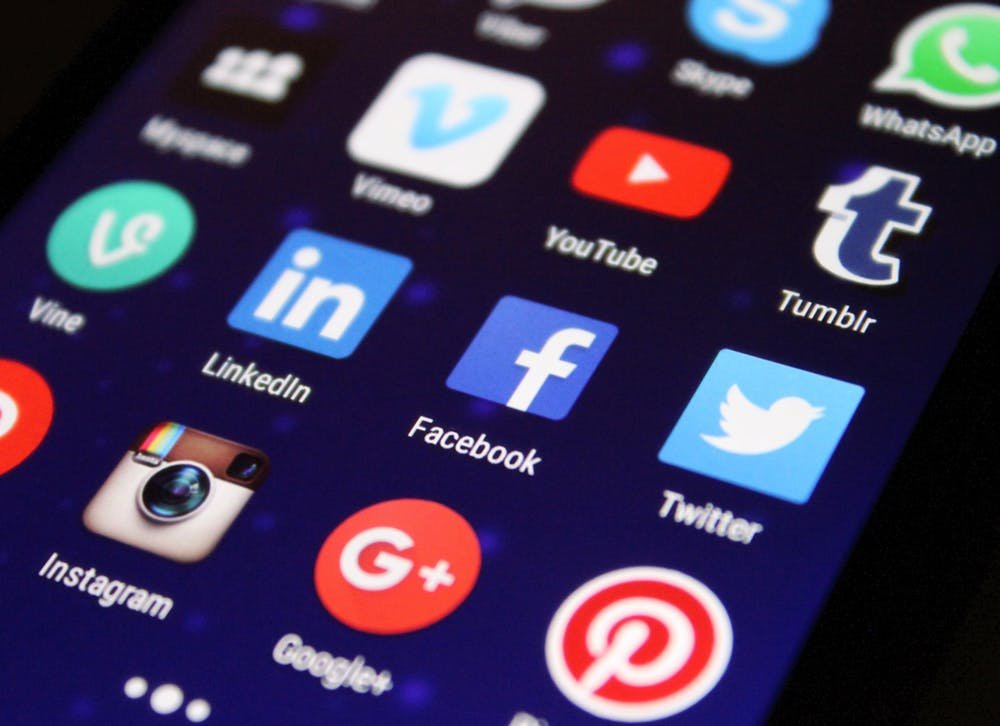
Apps on a screen
Apps on a screen

The Struggle

My Mother, on the other hand, has always been on the opposite end of the spectrum from my Father, being technologically incompetent. She didn’t even understand how to text message on a phone until much later after texting had become a thing. She also continually struggles with emailing and simply just attaching a picture to an email is something that I have had to reteach her time and time again. Therefore, she is also the inspiration for my blog as my Father is, but in a different way. She inspires me to want to provide on this blog steps of how to do things with technology everybody should have knowledge of.

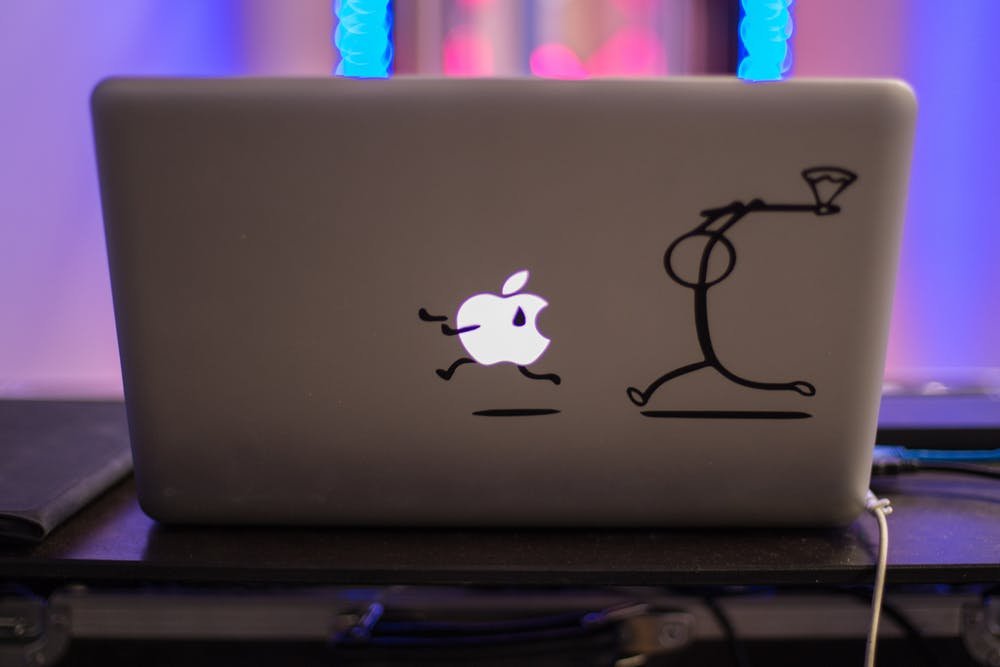
Laptop with funny skin
MacBook Laptop

The Content

Most of the technology that I will be reviewing and giving to-dos on are things that the majority of people could benefit from and find useful. This will include trackers that will help you track down your wallet and keys, wearable technology that will help you keep track of your fitness goals, and laptops as well as tablets to name a few general things. I hope you find the content I provide beneficial and appreciate any feedback you may have!